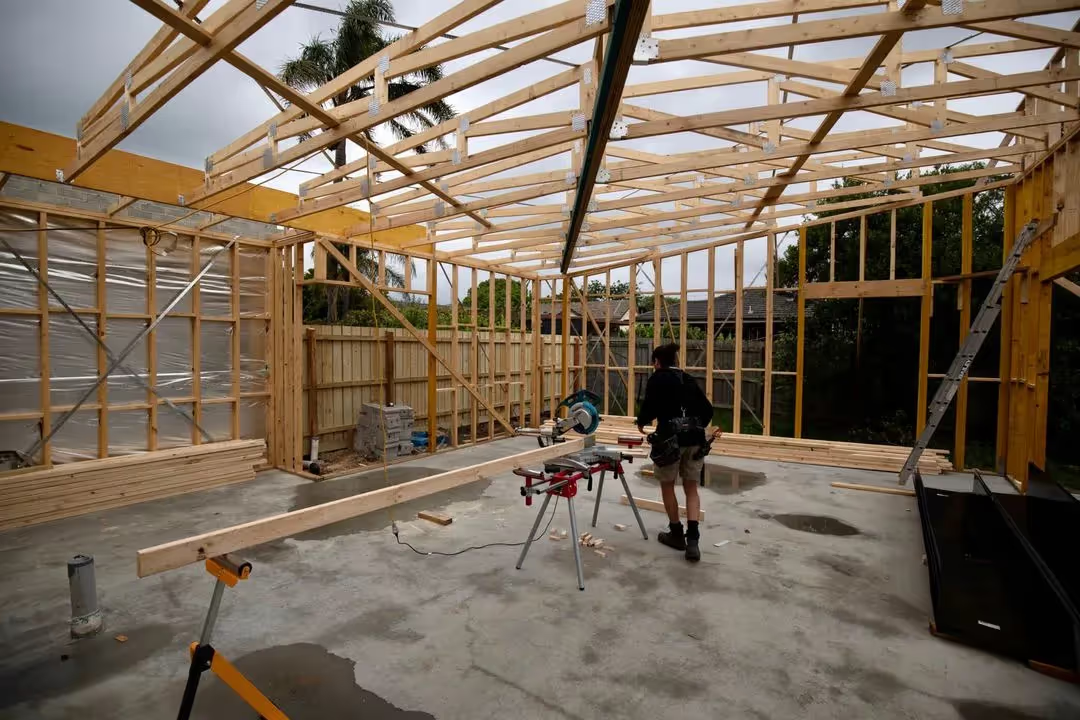
Stop chasing contractors for paperwork.
BuilderShield chases missing licences, white cards and expiring insurance by SMS and email, so you don't have to.

Chasing paperwork costs you time and money
Every hour spent following up on missing SWMS, inductions and other forms is an hour you're not spending on the job. Auto Follow Up takes some of that admin off your plate by sending the reminders for you.
Safety documentation matters
Missing safety documents can lead to work stoppages, fines and liability issues
How
Auto Follow Up works


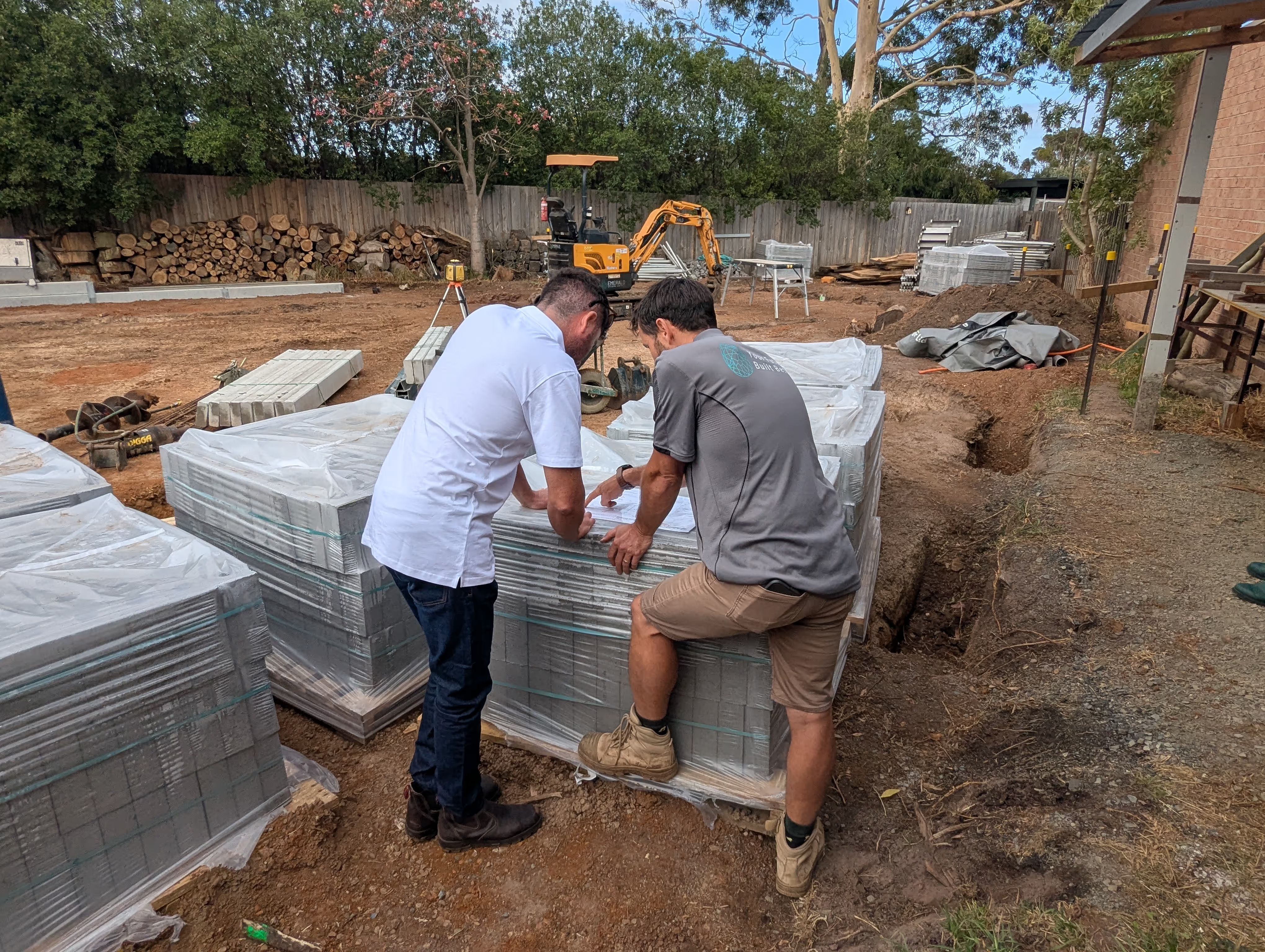
A worker submits without their licence
Workers can submit a form and add their white card, licence or plant photos later, so they aren't held up at the gate. BuilderShield keeps track of what's missing.
BuilderShield follows up for you
Every Monday and Thursday evening for four weeks, the worker gets an SMS and email with a link to upload what's missing. Subcontractors also get an email when their insurance or WorkCover is about to expire.
All forms received
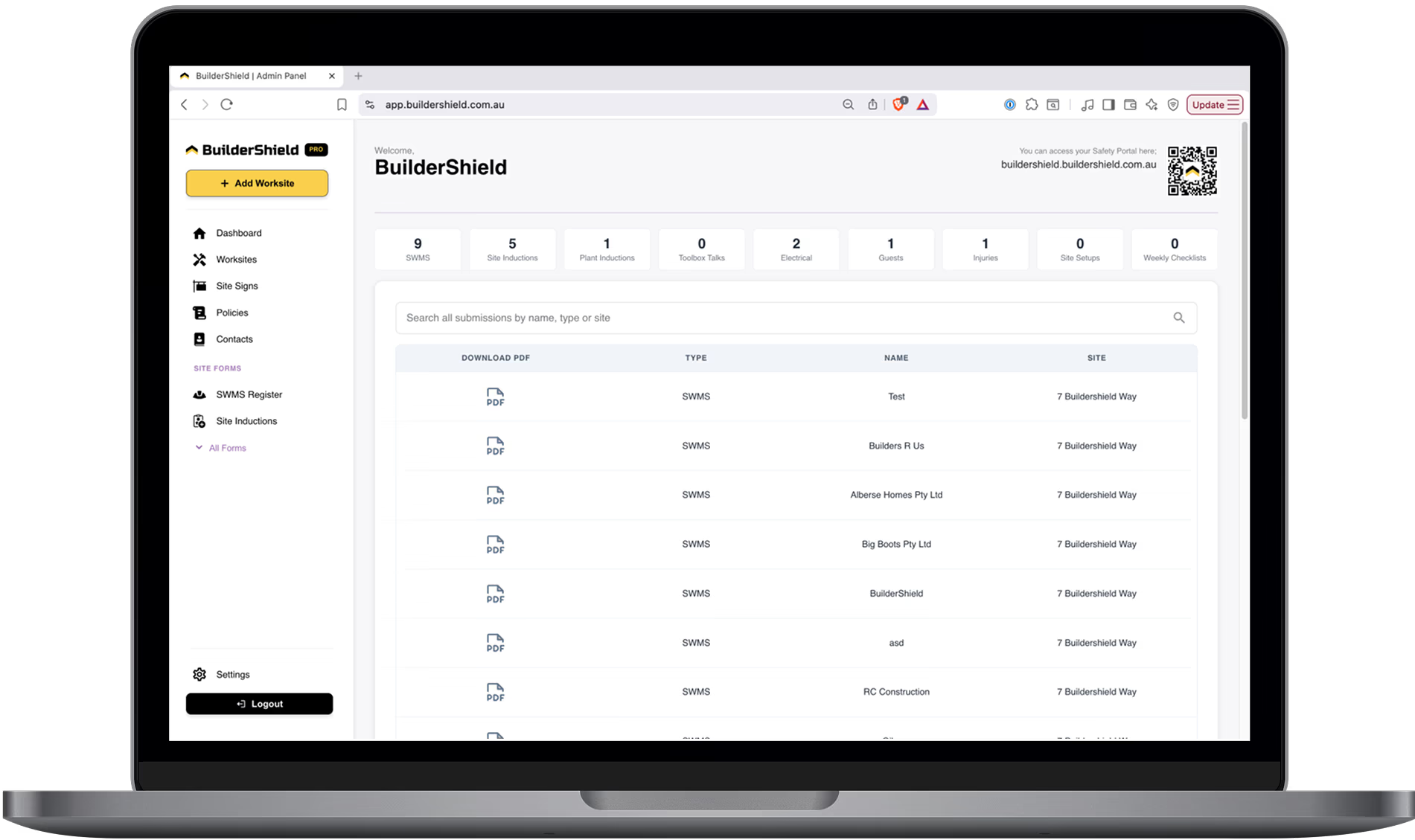
The missing documents land in your dashboard
When the worker uploads, it's added to their record in your dashboard, so you can see what's come in and what's still outstanding.
Your Digital Safety Management Toolbox
13 OHS forms, registers and policies, all in one portal.
Site Inductions
QR-based formsWorkers scan your QR code and complete their site induction on their own phone. No app download required — just scan, fill and submit.
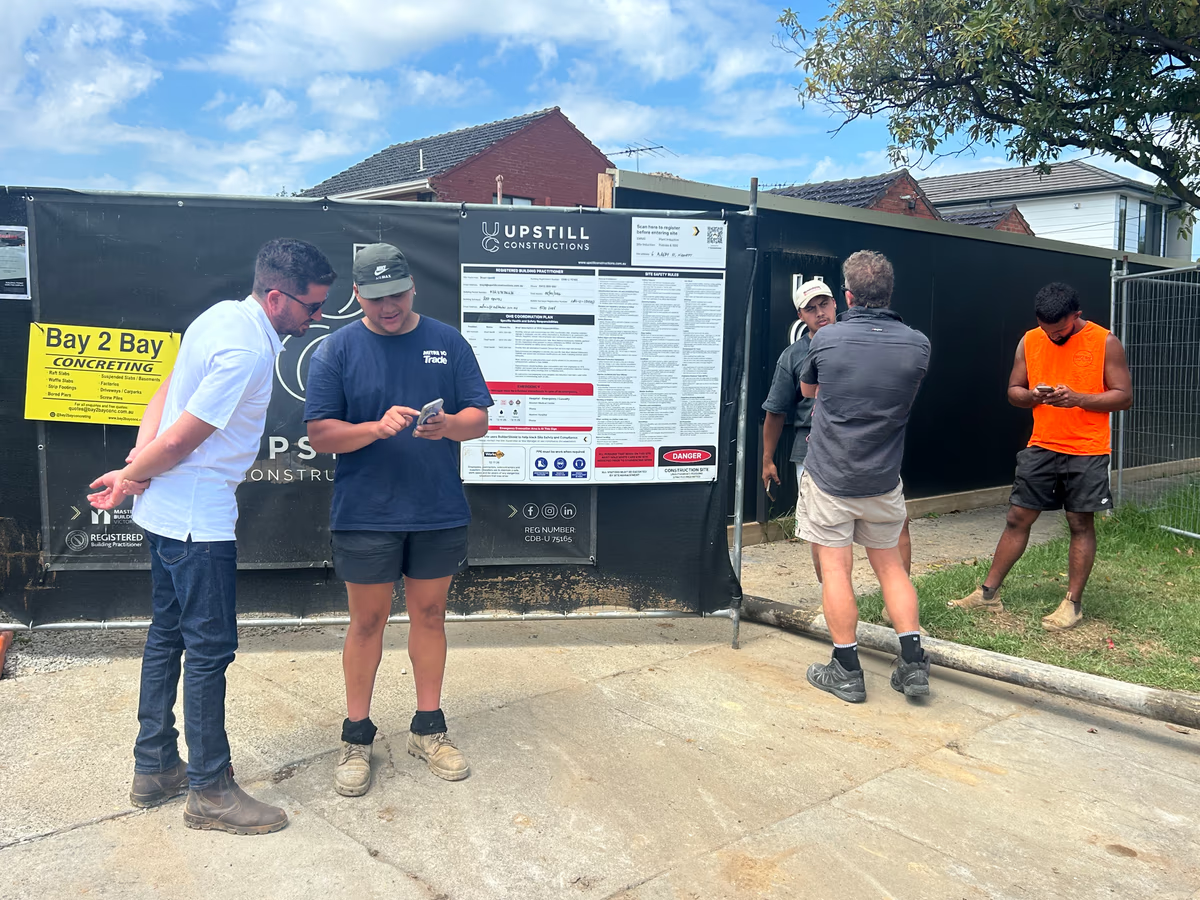
Focus on growing your business. We'll focus on safety.
Frequently asked questions
Auto Follow Up chases the paperwork contractors leave out. When a worker submits a form without their white card, licence, plant photos or SWMS document, BuilderShield sends them SMS and email reminders with a link to add it. It also emails subcontractors whose public liability or WorkCover is about to expire.
Every Monday and Thursday evening, BuilderShield checks forms submitted in the last four weeks for missing white cards, licences, plant photos and SWMS documents, and sends each worker an SMS and email with a link to upload what is missing. Each morning it also emails subcontractors whose public liability or WorkCover expires within 7 days. You can send a subcontractor a request for missing documents yourself from their company page in your dashboard.
Not at the moment. Reminders run on a fixed schedule: Monday and Thursday evenings for missing photos and documents, and each morning for expiring insurance. If you need to chase a subcontractor sooner, send them a request from their company page in your dashboard.
Yep! Jack is a master builder and owner of Slatter Building and had the idea to collect contractor and employee information through his website. Working with a OHS coordinator to understand his obligations, Jack worked with Luke to create his ultimate OHS management system and BuilderShield was born.