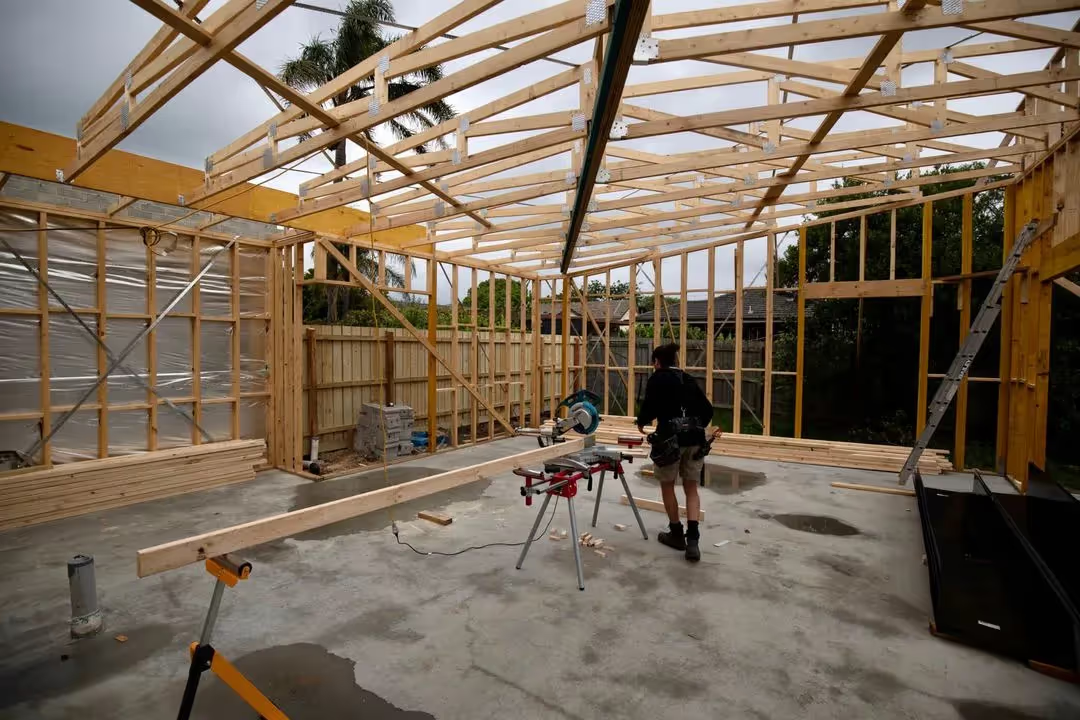
Report hazards before they become incidents
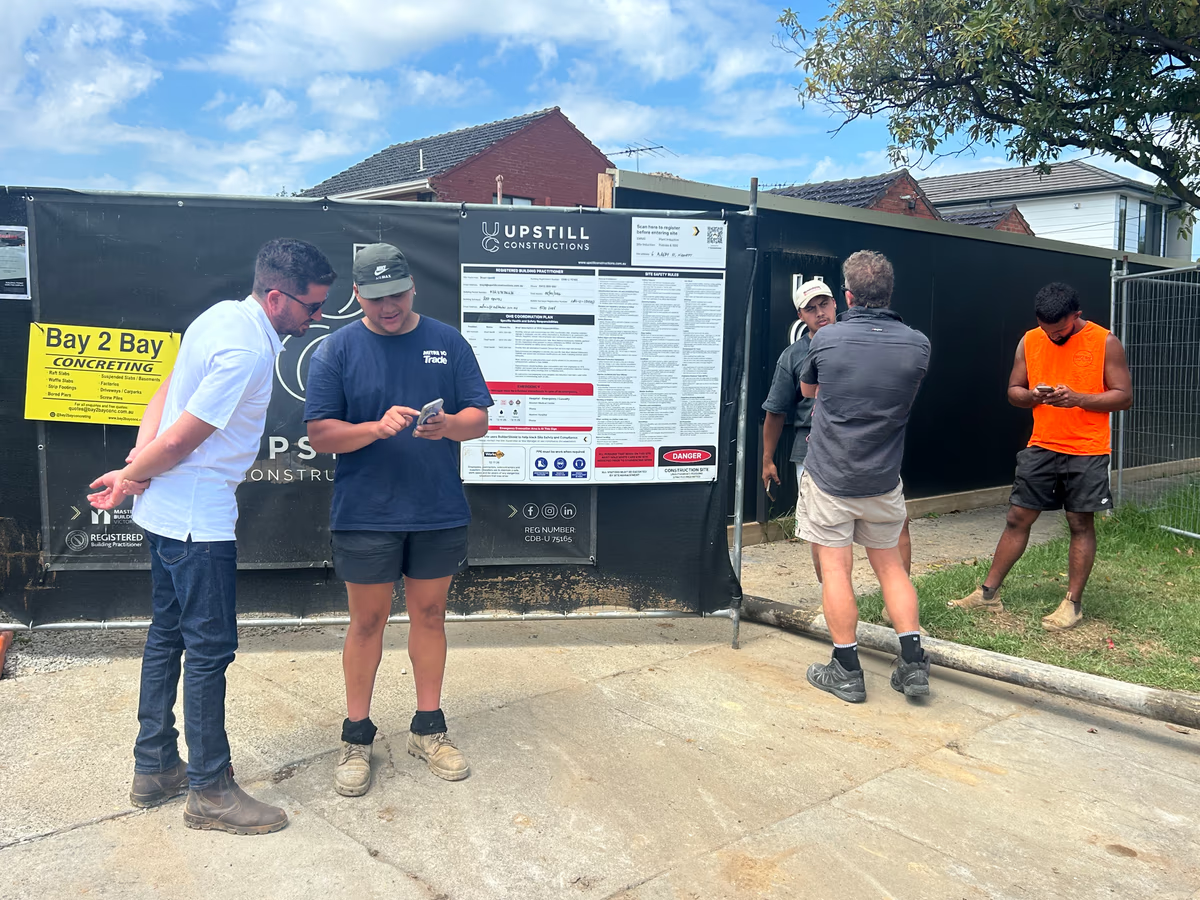
Anyone on site can scan the QR and report a hazard with photos, risk details, and follow-up status.


Identifying hazards early prevents injuries and saves lives.
All workers on site have a responsibility to report hazards and unsafe conditions. Early reporting means risks can be controlled before they cause harm.
Hazard reporting is a legal requirement
to protect workers and ensure a safe working environment on every construction site.
How to report
a hazard
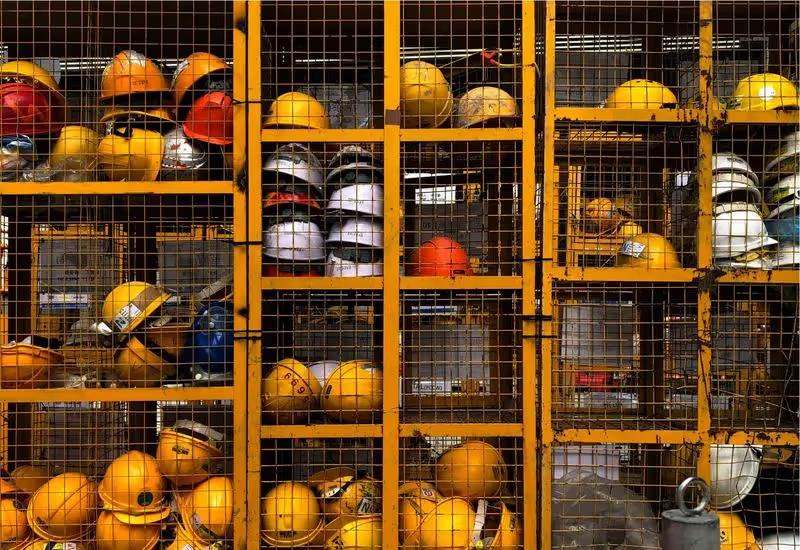
Spot the hazard and make the area safe if possible.
If you see something unsafe on site, take immediate action to warn others and prevent access to the area if you can do so safely.

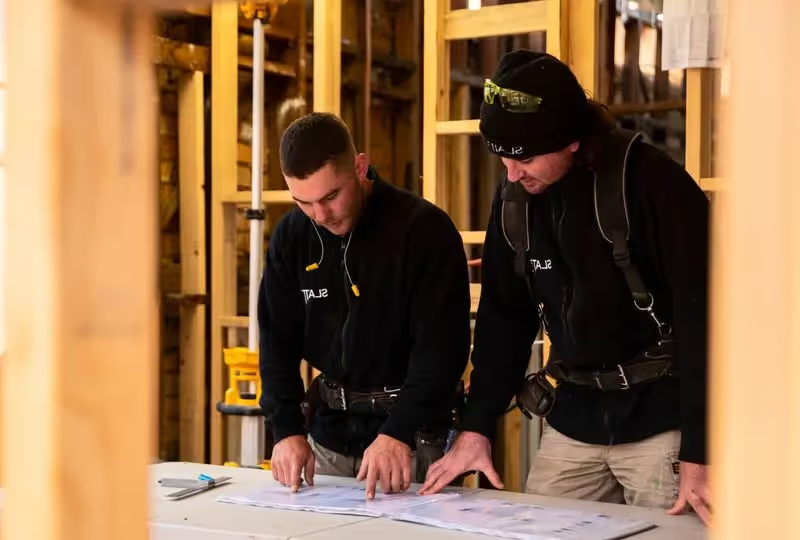
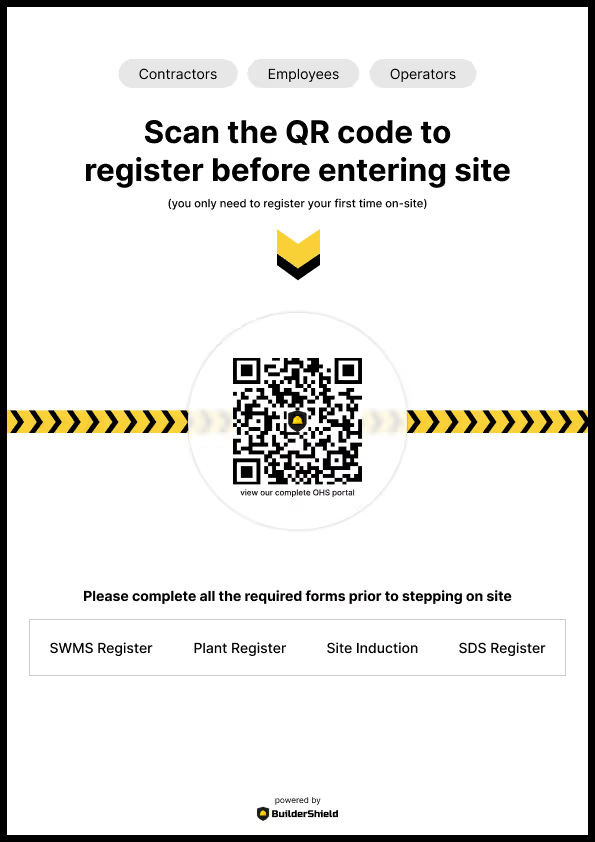
Complete the hazard report form and attach a photo
Use the BuilderShield safety portal to describe the hazard, classify its risk level and upload a photo. The report is submitted instantly and a PDF is generated.
Hazard resolved
Track the hazard in your dashboard and mark it as resolved
Your admin dashboard shows all reported hazards with their risk level and follow-up status. Update the status as actions are taken and mark hazards as completed.
Your Digital Safety Management Toolbox
BuilderShield has you covered for a number of safety and makes it easy to manage your OHS requirements.
Site Inductions
QR-based formsDirect workers to your website to complete site induction forms in 60 seconds. No app download required — just scan, fill and submit.
Focus on growing your business. We'll focus on safety.
Frequently asked questions
A hazard report is used to document any hazard or unsafe condition identified on a construction site before an incident occurs. Reporting hazards is a critical part of workplace safety because it allows potential dangers to be addressed before they result in injury or damage.
Paper-based hazard reporting is slow, easy to lose and hard to follow up on. Digital hazard reporting through BuilderShield means reports are captured instantly, photos are attached, supervisors are notified automatically and follow-up status is tracked in your admin dashboard.
Anyone on site — workers, subcontractors, visitors or supervisors — can submit a hazard report through the BuilderShield safety portal. No app download, login or password is required. Simply scan the QR code on site and complete the form.
Once submitted, a PDF of the report is generated and emailed to your office. An in-app notification is created in your admin dashboard so you can track follow-up actions and mark hazards as resolved.
Yep! Jack is a master builder and owner of Slatter Building and had the idea to collect contractor and employee information through his website. Working with a OHS coordinator to understand his obligations, Jack worked with Luke to create his ultimate OHS management system and BuilderShield was born.