SDS documents workers can upload and find fast.
Contractors upload SDS documents through your Safety Portal, so workers can find the right sheet by site and trade.
Safety Data Sheets need to be available where the work happens
Hazardous substances and chemicals are common on residential building sites. Workers need quick access to current SDS information for storage, handling, PPE, spills, first aid, and emergencies.
SDS documents
should be easy for workers to access before products and substances are used on site.
How to manage your
SDS Register
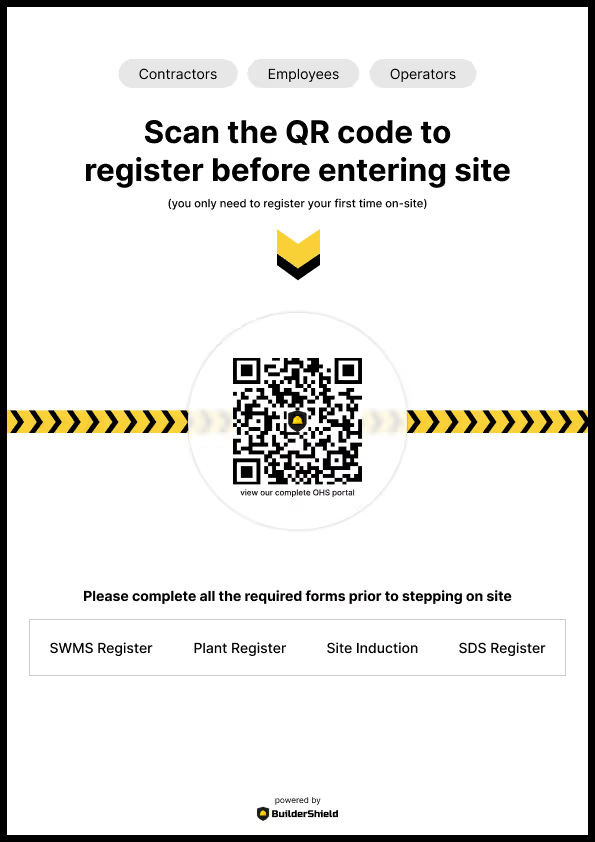


Collect SDS documents from each company
Contractors select the worksites and trade their SDS documents apply to, then upload one or more Safety Data Sheet PDFs in the same submission.


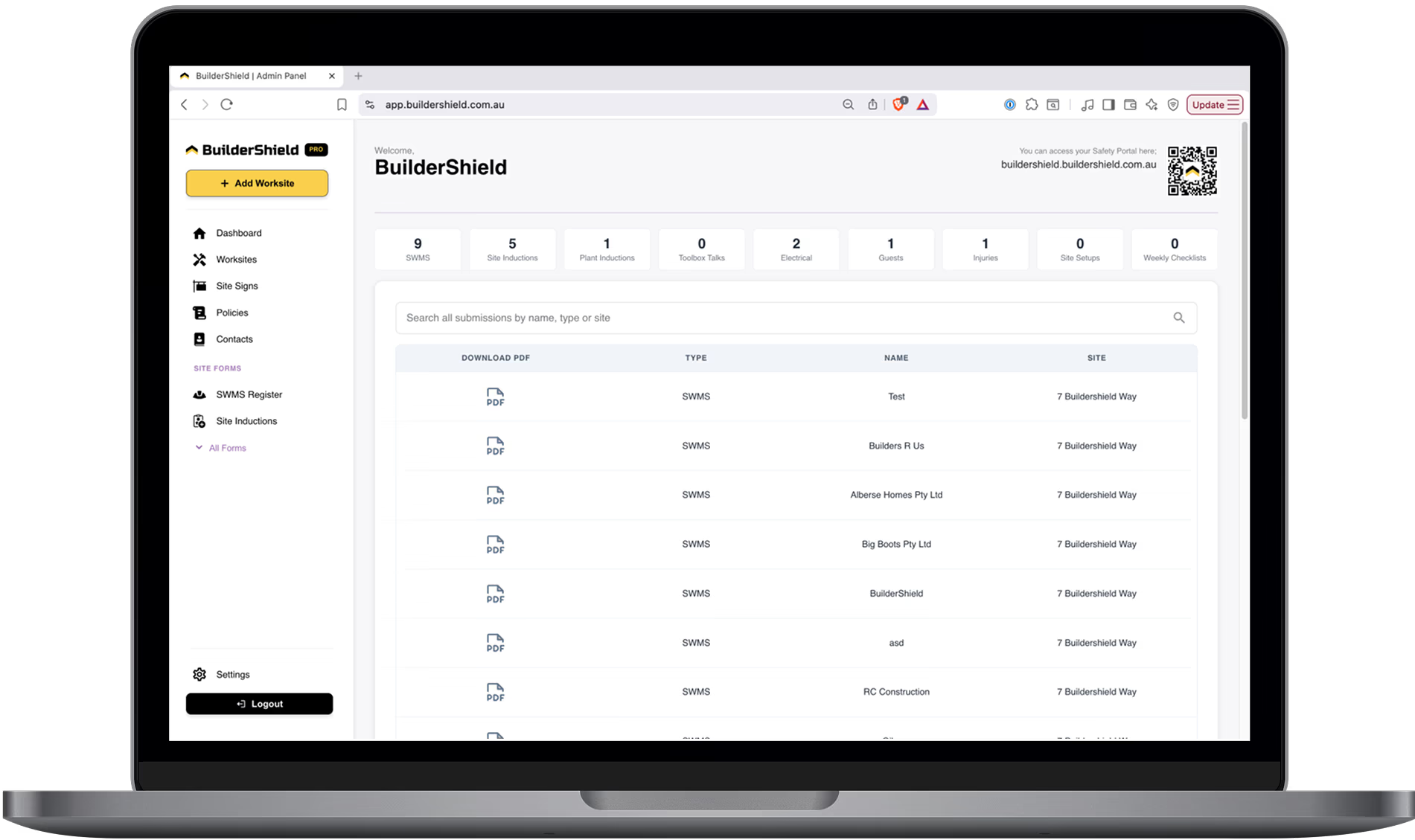
Keep every SDS organised by trade and worksite
BuilderShield stores each submission in your Admin Portal, where your team can review company details, rename documents, and archive old SDS records when needed.
Workers open the right SDS from the Safety Portal
SDS documents are published immediately. Workers can filter by worksite and trade, then open the SDS they need before using a product or substance.
Your Digital Safety Management Toolbox
BuilderShield has you covered for a number of safety and makes it easy to manage your OHS requirements.
Site Inductions
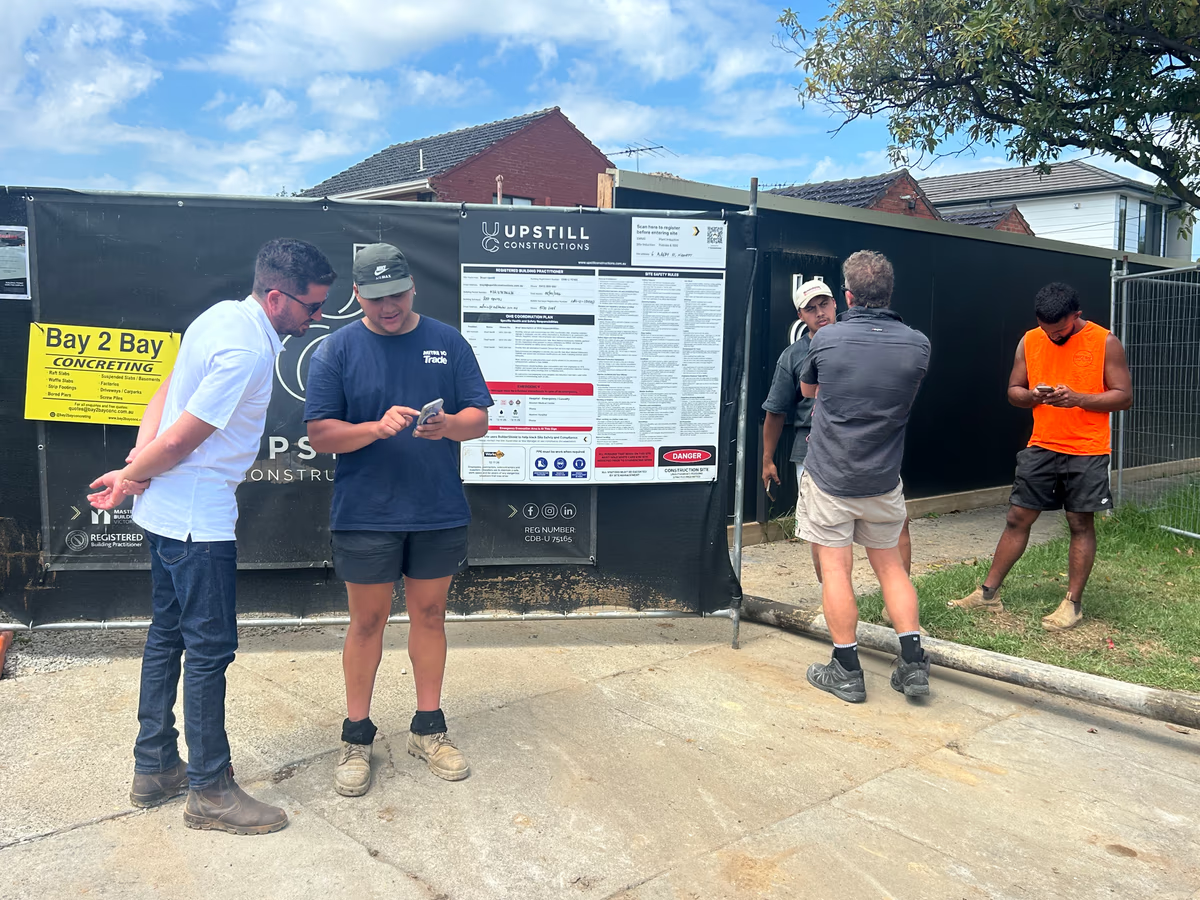
QR-based formsDirect workers to your website to complete site induction forms in 60 seconds. No app download required — just scan, fill and submit.

Focus on growing your business. We'll focus on safety.
Frequently asked questions
An SDS register is a collection of Safety Data Sheets for the products and substances used on site. It helps workers find handling, storage, PPE, first aid, and emergency information when they need it.
Collecting SDS documents by email makes them hard to file, search, and keep available on site. BuilderShield lets contractors upload their SDS PDFs through your Safety Portal, then stores them by trade and worksite so workers and admins can find the right document quickly.
Yes. A contractor can upload multiple SDS PDFs in one submission, edit each display name, and apply the submission to the relevant worksites and trade.
Yes. SDS uploads are published to the Safety Portal straight away, so workers can access them without waiting for admin approval.