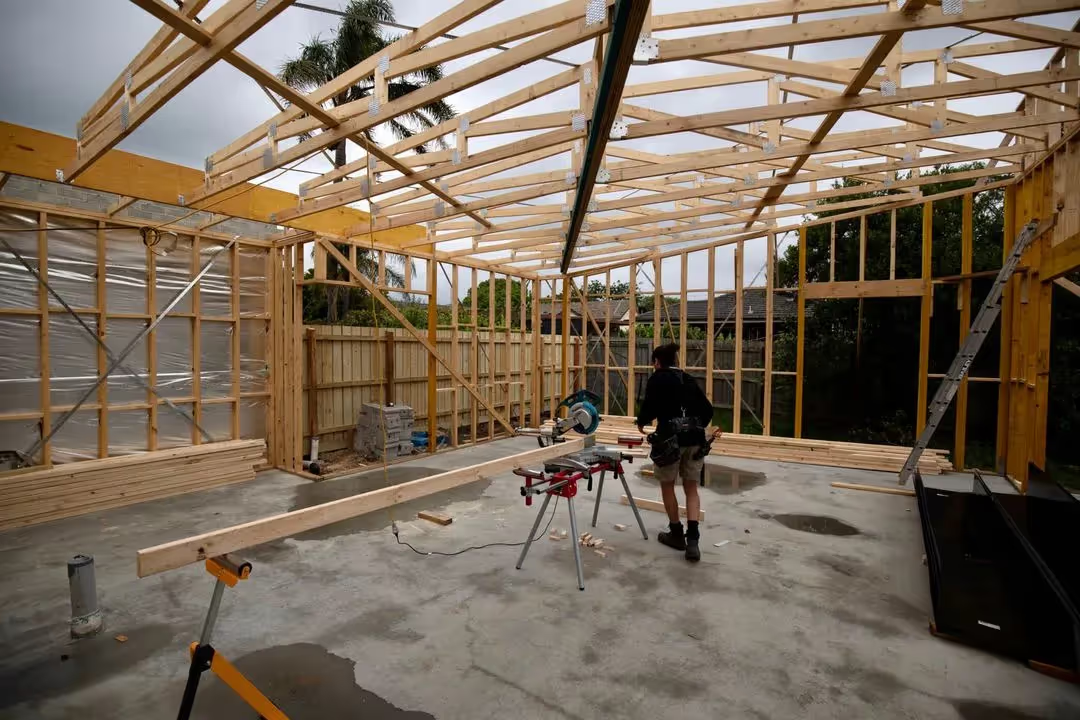
Electrical test & tag records, logged in minutes.
Have electricians log portable equipment tests through your Safety Hub; PDFs and equipment history live in your dashboard.

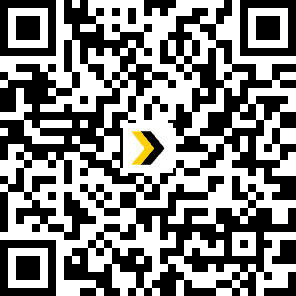
Portable electrical equipment must be tested and tagged on site.
Power tools, extension leads, and portable gear move between sites and wear out over time. AS/NZS 3760 sets out how portable electrical equipment should be inspected, tested, and tagged so workers know it is safe to use.
Test & tag records
should be easy to find when auditors, clients, or regulators ask to see them.
How to manage
test & tag

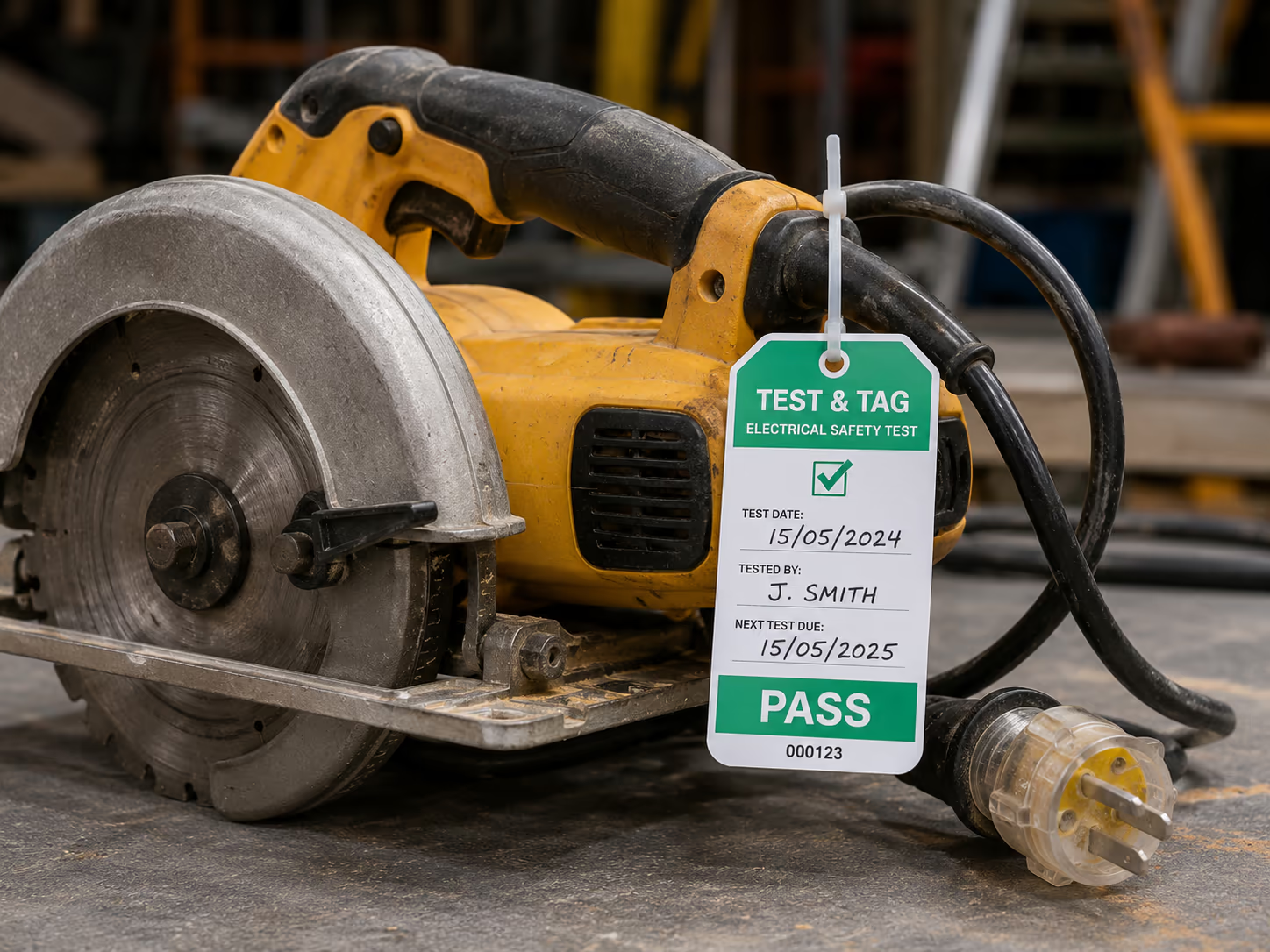
Give competent testers access from the site QR
Copy the Electrical Test & Tag link or share your site QR code. Testers open the form from your Safety Hub without downloading an app.
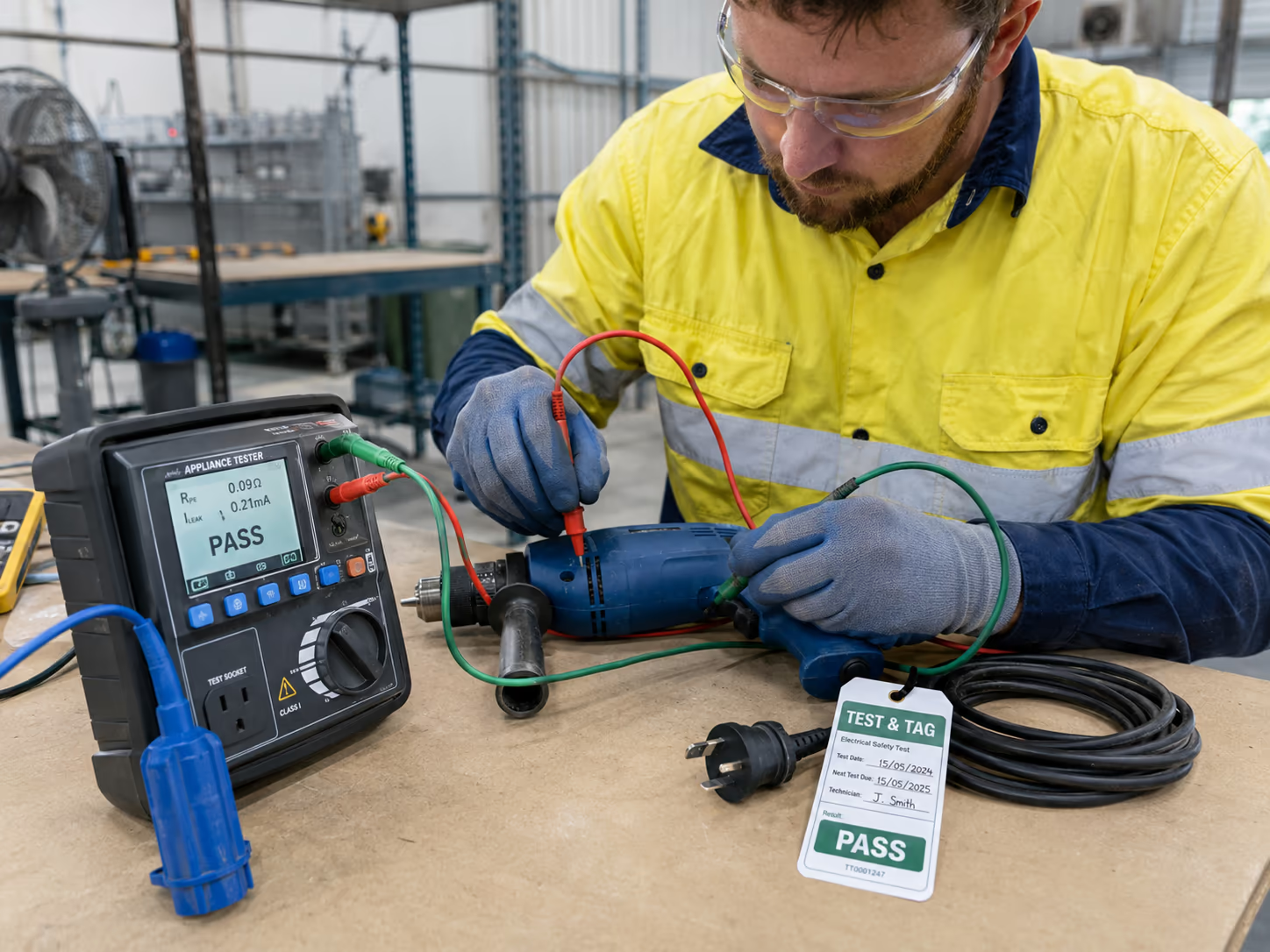
Record equipment details, test results, and tag information
Testers log new equipment or retest existing gear. They capture class, tag colour and number, pass/fail result, next due date, licence photo, and signature.
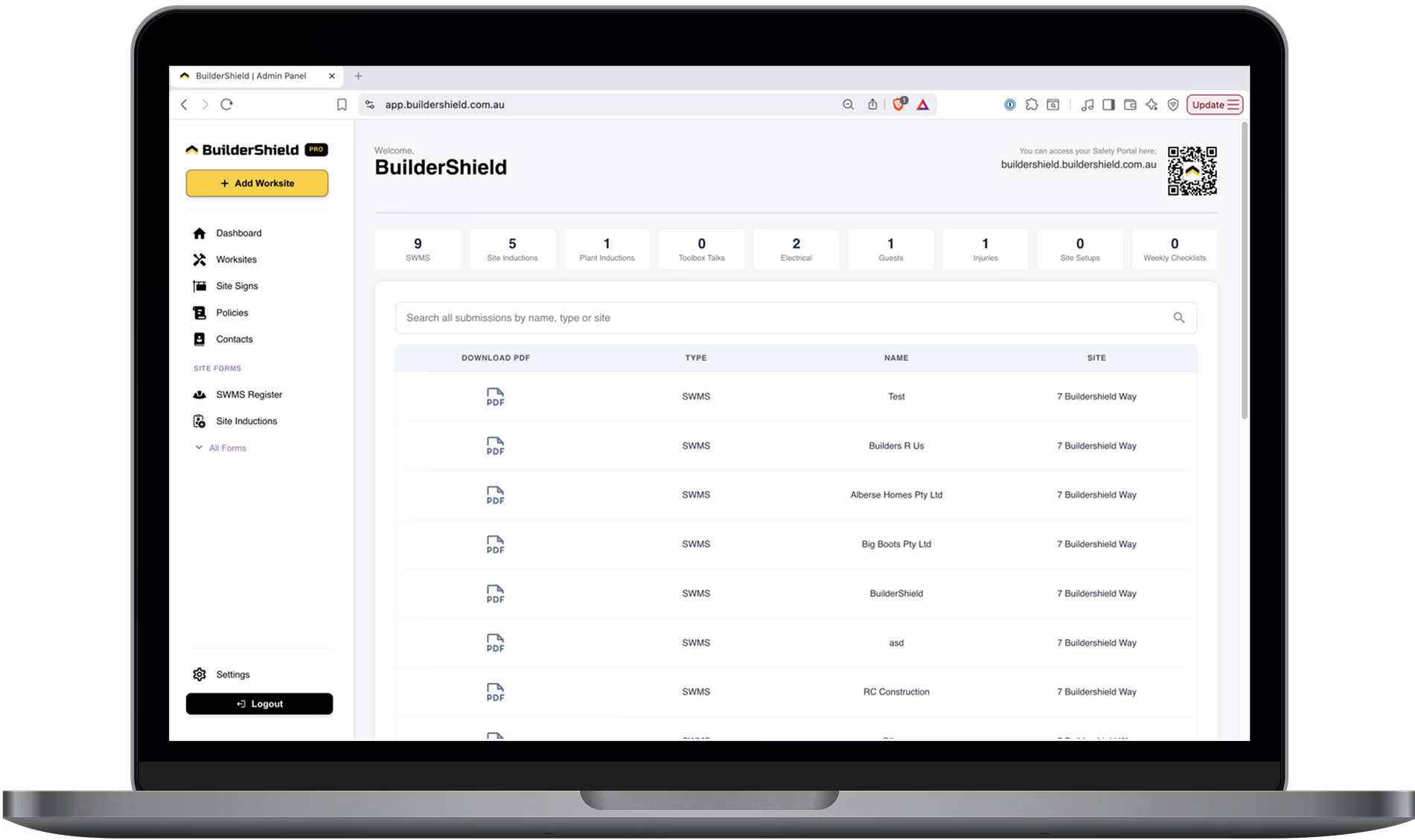
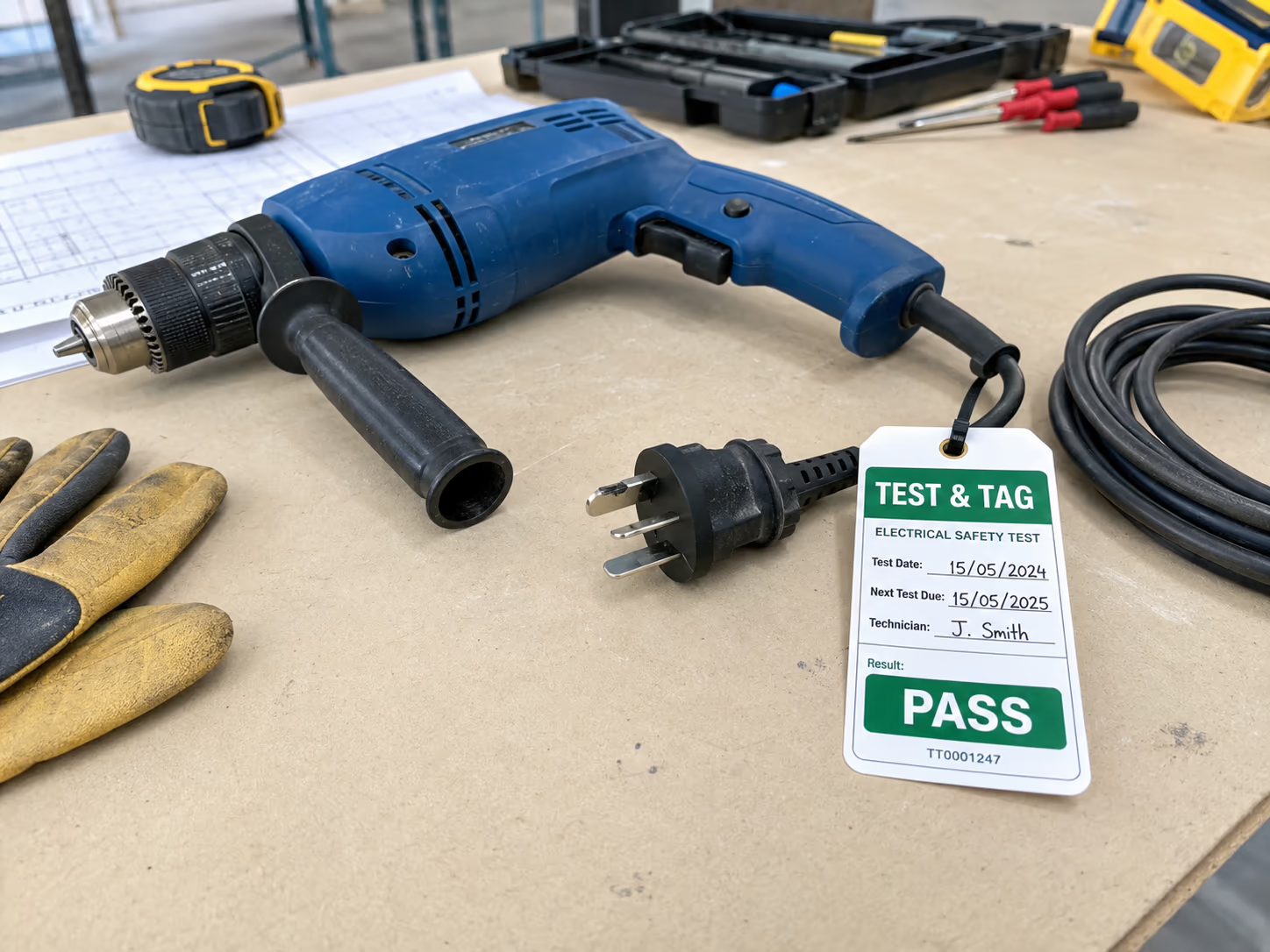
Track equipment, due dates, and PDF records from your dashboard
The admin register groups submissions by site. Search equipment, view history per asset, download PDFs, and follow up on missing licence photos automatically.
Your Digital Safety Management Toolbox
12 more OHS forms, registers and policies in the same portal.
Site Inductions
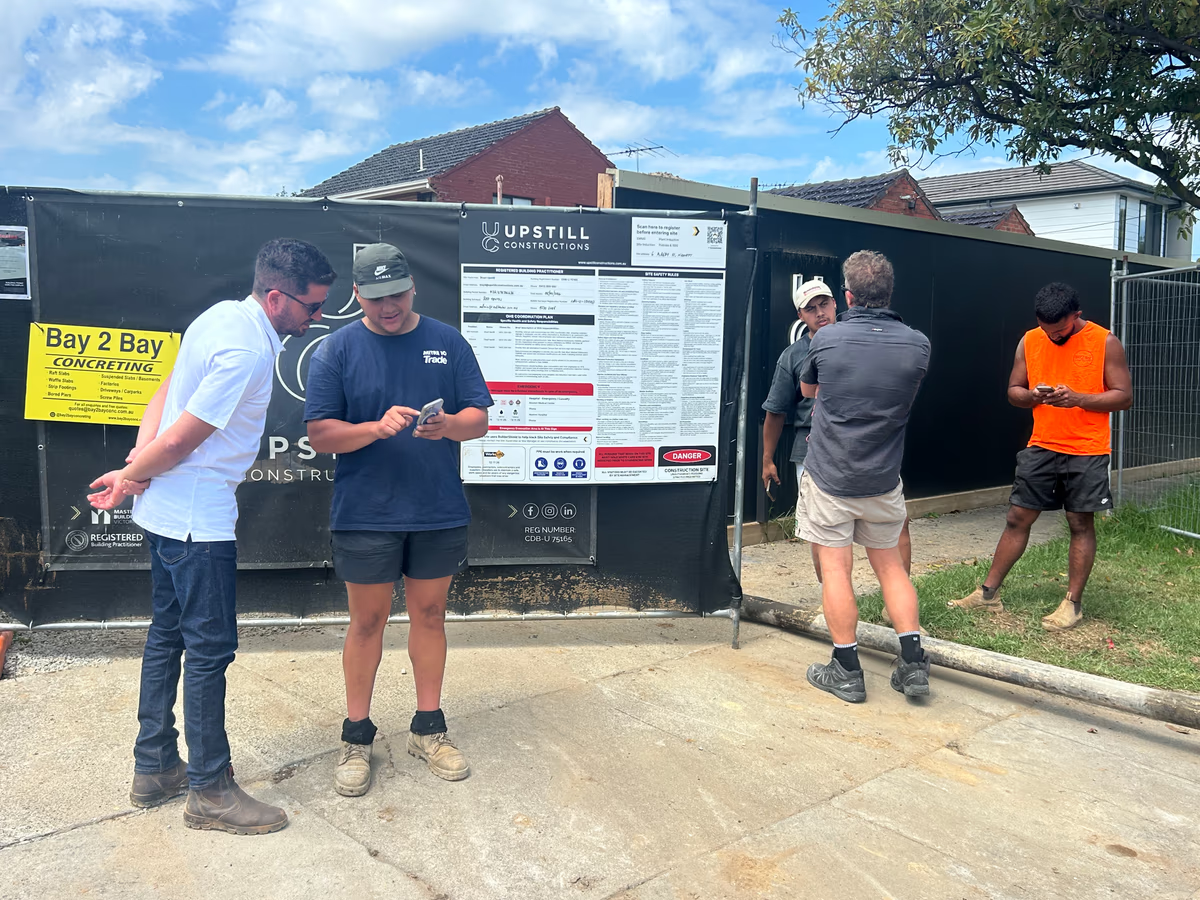
QR-based formsWorkers scan your QR code and complete their site induction on their own phone. No app download required — just scan, fill and submit.
Focus on growing your business. We'll focus on safety.
Frequently asked questions
Electrical test & tag is the inspection and tagging of portable electrical equipment to confirm it is safe to use. On construction sites, drills, extension leads, RCDs, and other portable gear must be tested at regular intervals and labelled with a tag showing the test date and next due date.
Tests must be completed by a competent person with the right training and equipment. BuilderShield lets those testers log each inspection from their phone, upload photos, and sign off on the record.
When equipment is due for retest, the tester selects the existing item from the form, records the new test result, and submits. Each retest links to the same equipment record so you keep a full history across sites.
Each submission generates a PDF with equipment details, test results, tag information, photos, and the tester signature. The admin register stores every record, lets you search by site or equipment, and shows equipment history over time.
Yep! Jack is a master builder and owner of Slatter Building and had the idea to collect contractor and employee information through his website. Working with a OHS coordinator to understand his obligations, Jack worked with Luke to create his ultimate OHS management system and BuilderShield was born.